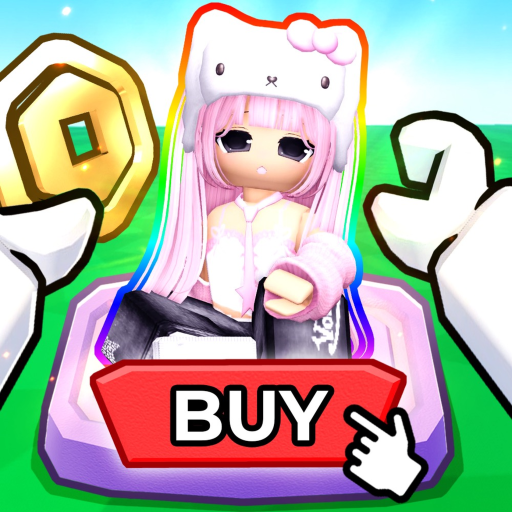
SellYourAvatar
Unofficial player reference

SELL YOUR AVATAR Wiki Hub

Find the game loop, Coins, booths, outfits, reward items, codes, and safe links without mixing in generic avatar selling or another Roblox game.

Quick answer

SELL YOUR AVATAR is a booth-shopping and reward game

Players create an outfit, place it on a booth, shop other players’ outfits, and earn in-game Coins from qualifying avatar-item purchase activity. Coins can be spent on avatar items that go to a player’s Roblox inventory. The experience also advertises free VIP servers and a Roblox Plus booth.

The game does not mean selling a Roblox account or an entire avatar. Coins are not the same as Robux, and the creator has not published a fixed Coin rate in the public material checked for this site.

Core systems

Wiki topic pages

Choose the system you need. Each page answers one player task and links to the next useful step.

Player routes

The shortest useful first-session path

  1. 1. Prepare an outfit. Choose the look and items you want other players to browse.
  2. 2. Add it to a booth. Use the booth checklist if your outfit or purchase view is missing.
  3. 3. Browse and test. Try on other outfits and confirm your own display works from another player’s view.
  4. 4. Plan Coins carefully. Enter the pace shown in your session instead of relying on a guessed universal rate.
FAQ

Wiki questions

Is this the official SELL YOUR AVATAR wiki?

No. This is an unofficial player reference. The Roblox experience and creator group remain the official sources.

Are Coins the same as Robux?

No. Coins are the experience currency described by the game. This site does not promise Robux earnings or account sales.

Where should a new player start?

Start with the beginner guide, then use the booth checklist or Coin planner for the task you are trying to complete.